Can our staff, the agency or Dayproof see participants' records?
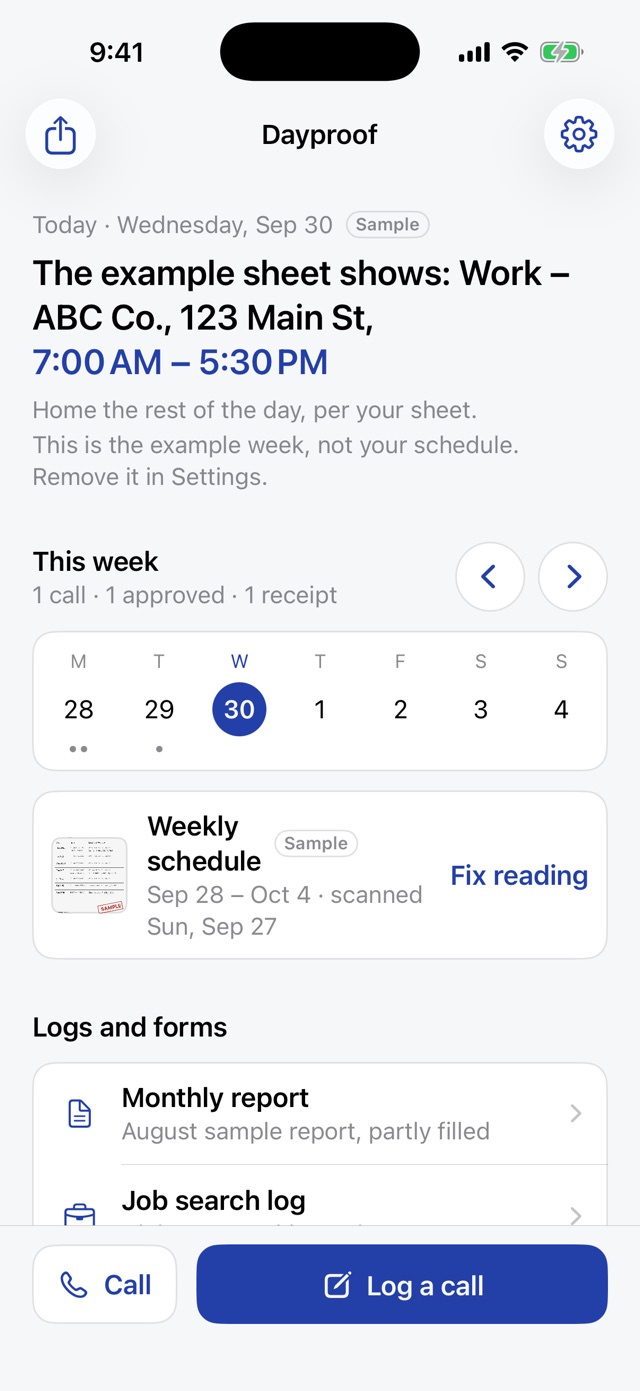
Your staff, officers, courts and the agency can't see them through Dayproof unless the participant shows them. In the iPhone app, calls, schedules, photos, filled forms, the DC number and the officer's details stay on the participant's phone. Dayproof never uploads them, so Dayproof can't see them. On the web, records are saved to the participant's private account. For web records, the people who run Dayproof can technically reach the database to keep it working, and don't look at records unless the participant asks for help with one. Supabase, which runs the database, can technically reach it too. Records saved on the web can be requested with a court order or other legal process, and Dayproof tells the person first unless the law forbids it. For questions about their rights, they should ask a lawyer.
What about participants with Android phones, or no iPhone?
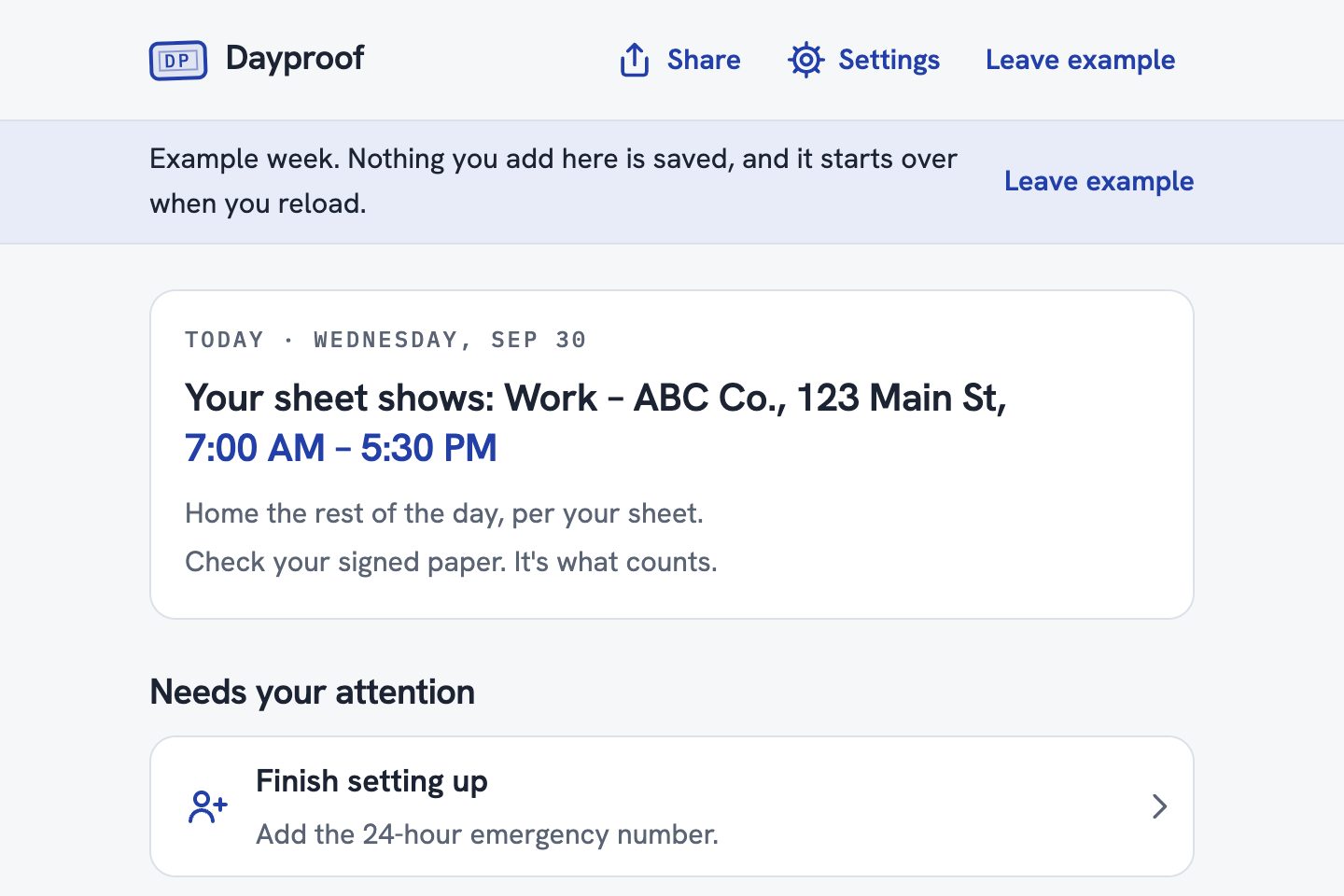
They use Dayproof on the web at getdayproof.com/app, in any phone's browser or on a computer at your office or a library. There's no Android app. They type the times from their signed sheet, with an optional photo. They can log calls, keep receipts and papers, write the note to their officer, and print or download their records. Scanning the sheet and filling in FDC's forms are in the iPhone app only for now, and blank FDC forms are free to print at getdayproof.com/forms. The same account works in the iPhone app, but records don't move between the two.
Can participants use a shared computer at our office?
Yes. Unless they choose Keep me signed in on this computer, they're signed in for that tab only, and 20 minutes without use signs them out after a 2-minute warning. Ask them to choose Sign out when they're done, because a closed tab can be reopened, still signed in, for up to 20 minutes. If the browser offers to save the password, they should choose Never. Downloads and printouts stay on the computer until someone deletes them. A private window is safest.
Will officers or courts accept these records?
Dayproof helps people keep their own record. The signed schedule and the officer's instructions are what count. Dayproof doesn't change a schedule or replace the rules in their supervision paperwork, and a text or voicemail doesn't approve a change. It isn't legal advice.
Does Dayproof send anything to the officer?
No. Dayproof never sends anything to the officer on its own. In the iPhone app, the person fills in FDC's own form, checks every entry, then prints or shares it and signs in ink. They hand it in as their officer instructs, and the support group chair still signs each meeting on paper. On the web, records are saved to the person's private account, and a note to the officer goes out only when the person copies it or opens it in Messages and sends it.
What happens to web records when the pilot ends?
They stay in the person's account until the person deletes them. Download my records, in Settings, saves a copy. Delete everything saved on the web, or Delete account, removes them right away, and backups may keep them for up to 7 days. Records in the iPhone app stay on the phone until the person erases them with Delete everything.
Is Dayproof connected to FDC?
No. Dayproof is independent and isn't affiliated with or endorsed by the Florida Department of Corrections or any court. The forms the iPhone app fills are FDC's own public forms, unaltered, and its help sums up FDC's own guides with a link to the original.
What do you need from our staff?
Choosing participants, hosting a 20-minute kickoff and a 30-minute wrap-up, and honest feedback. There's nothing to install or run on your side. If participants use the web version at your office, a computer with an up-to-date web browser is enough.
What does the letter of intent commit us to?
Nothing binding. It's one page confirming the pilot's size and dates, and it lets you choose whether we can name your organization. Either side can end the pilot anytime by email.